


 723
723Focus stacking in macro and micro photography with Helicon Focus
A useful cross-platform software tool to enhance image quality and depth of field in microscopy
The software manufacturer Helicon offers a powerful software suite for PC and Mac users that consists of the following two modules:
- Remote: a tethering software utility enabling remote control of the camera and motorised stage for the automated creation of an image stack
- Focus: an image processing tool to merge the images in the stack into one perfect composite image
Focus stacking is a photography technique where multiple images, each taken at different focus points, are combined to create one perfect composite image with an extended depth of field. The Helicon software suite consists of two modules: The Helicon Remote module controls the camera and the focusing rail (z-axis).
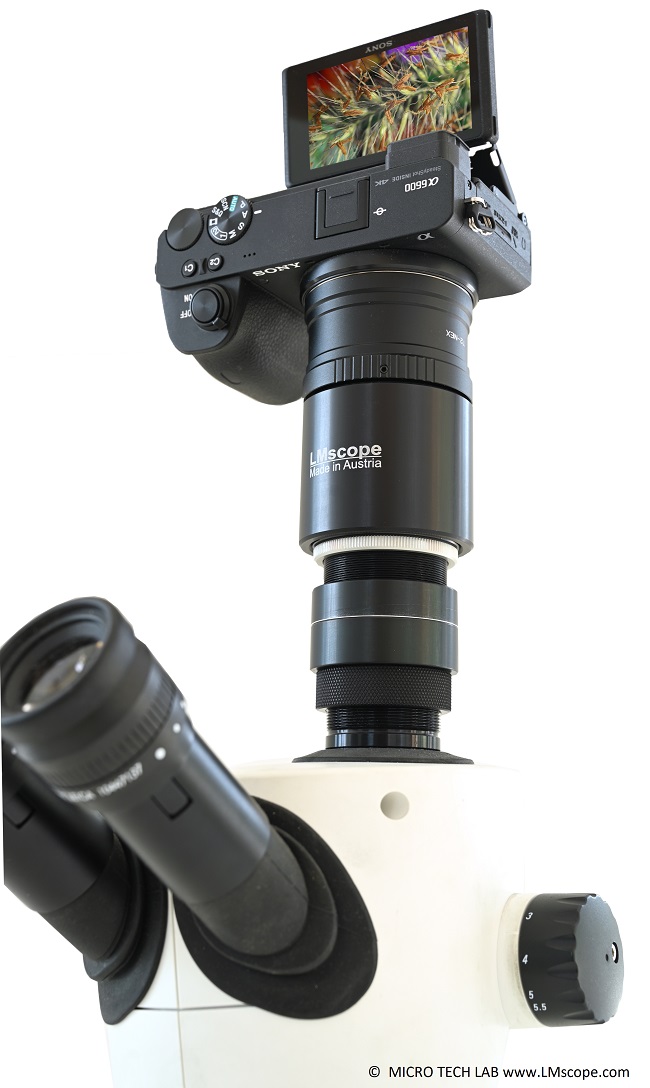
After the stack has been created, it can then be processed with the Helicon Focus module. The two modules are interlinked, allowing the user to switch between them with a single click, which creates an efficient, user-friendly workflow.
The automated capture of a series of microscope images taken at different focus distances significantly enhances the overall image quality in terms of depth of field and resolution. This is possible because the merging and blending process uses only the sharpest areas of each image.
Helicon Focus: a brief description
The core function of Helicon Focus is to combine multiple images, each taken at different focus points, into a single image – a process called rendering. The depth of field of the rendered image is much greater than that of any single frame. Photographers often create these composite images from stacks that can exceed a hundred individual frames. These extensive stacks are typically compiled using a motorised focusing rail that operates automatically to maintain consistent intervals between shots. However, even manually created series of just a few shots can yield impressive results.
The algorithm analyses each frame, selectively picking out only the sharpest pixels from each shot. In many cases, the result is a flawless image with high depth of field across all planes. Also, the powerful algorithm often gives the impression of a significantly enhanced resolution.
Because Helicon Focus was developed for the latest generation of mirrorless system cameras and SLRs with image sensors of more than 60 MP, the software also handles large image files very well. During the rendering process, it makes full use of both multicore CPUs and high-performance graphics cards (GPUs), maintaining rapid processing times even at large data volumes. The manufacturer’s website provides detailed benchmarks for processing times.
The image series below illustrates the key features of the Helicon Focus utility:
Once the focus stack has been created – either manually or using Helicon Remote – the individual shots will typically be organised and stored a designated folder. The entire stack of images can be loaded at once by navigating to “File ==> Open Images”. Upon successful import, thumbnails of the images in the stack are displayed on the right side of screen.

For the first attempts, we recommend starting with the default settings and jumping right into rendering.

After pressing the Render button, you can watch the software at work. The thumbnails on the right side of the screen and the main window provide a live feed of the specific image currently being analysed.
The black-and-white preview on the right shows which of the analysed image details are being processed for the final composite image.

Once the software has completed the rendering process, the finished image is displayed on the screen.

If everything looks good and you are happy with the result, saving the finished image right away is recommended.

Optionally, there are advanced rendering algorithms that can be selected. For conventional microscopy and macroscopy applications, method C usually achieves the best results. However, it is advisable to test individually which model is the best fit for the respective application.
- Method A (weighted average)
- Method B (depth map)
- Method C (pyramid)
An explanation of the key parameters is provided on the manufacturer’s website.
Helicon Focus offers additional useful functions, such as creating 3D models from focus-stacked images, “Retouching,” “Text/Scale,” or “Saving”.

Once the image stack has been turned into a 3D model, the user can freely rotate the object and also move the light source around it.

For more information about the Helicon software suite, please visit the manufacturer’s website.
18.12.2025